LINUX SHELL VARIABLES
| • There are two types of variables: LOCAL VARIABLE & ENVIRONMENT VARIABLE |
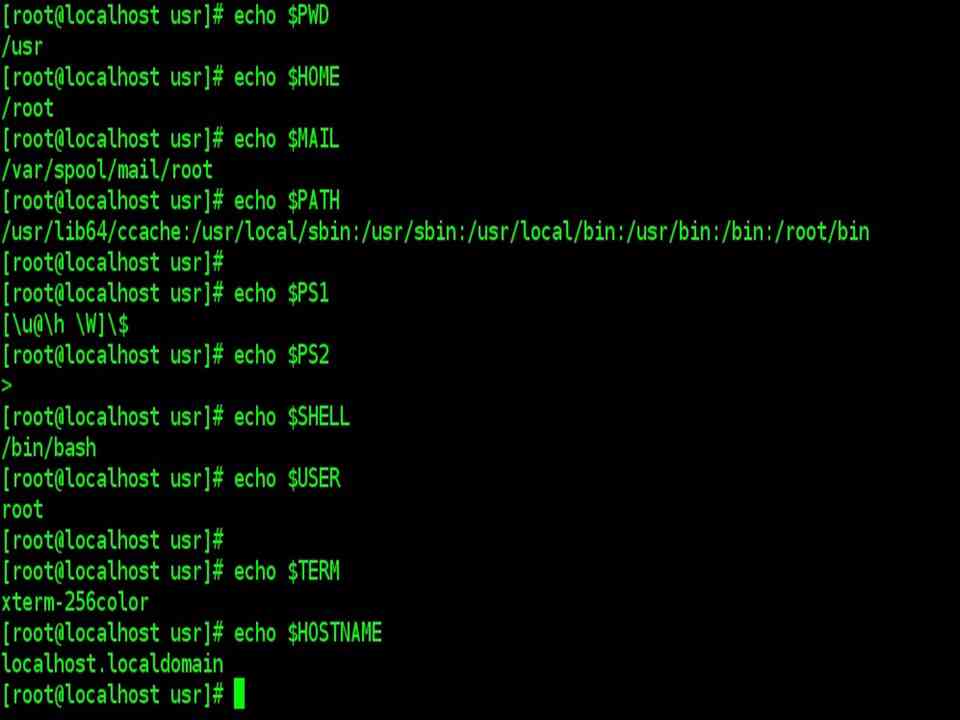
Environmental variables are set by the system and can usually be found by using the env command. Environmental variables hold special values. For instance:
$ echo $SHELL

/bin/bash

$ echo $PATH

/usr/X11R6/bin:/usr/local/bin:/bin:/usr/bin
Environmental variables are defined in /etc/profile, /etc/profile.d/ and ~/.bash_profile. These files are the initialization files and they are read when bash shell is invoked. When a login shell exits, bash reads ~/.bash_logout |
| Local variables are only available in the current shell.
Using the set built-in command without any options will display a list of all variables (including environment variables) and functions. Next, we will see how to create a local variable in a shell. |
CREATING VARIABLES
| •Variables are case sensitive and capitalized by default.
•Giving local variables a lowercase name is a convention that is sometimes applied. However, you are free to use the names you want or to mix cases. |
| In bash, variables are untyped, which means that all variables are in essence strings. This doesn’t mean we can’t do arithmetic on bash variables |
| To set a variable in the shell, use
VARNAME=”value“ OR VARNAME=value Putting spaces around the equal sign will cause errors. It is a good habit to quote content strings when assigning values to variables, this will reduce the chance that you make errors. |
EXPORTING VARIABLES
| • A variable created like the ones in the previous example is only available to the current shell.
• It is a local variable: the child processes of the current shell will not be aware of this variable. •In order to pass variables to a subshell, we need to export them using the export built-in command. • Variables that are exported are referred to as environment variables. |
| Setting and exporting is usually done in one step:
export VARNAME=”value“ A subshell can change variables it inherited from the parent, but the changes made by the child don’t affect the parent. |
| Note: A bash subshell is a shell executed within a shell. |

READING VARIABLES: Using read command
| read
The read command allows you to prompt for input and store it in a variable. |
echo -n "Enter name of file to delete: "

read file

echo "Type 'y' to remove it, 'n' to change your mind ... "

rm -i   $file

echo "That was YOUR decision!"
Line 1 prompts for a string that is read in line 2. Line 4 uses the interactive remove (rm –i) to ask the user for confirmation. |
SOME USEFUL ENVIRONMENT VARIABLES
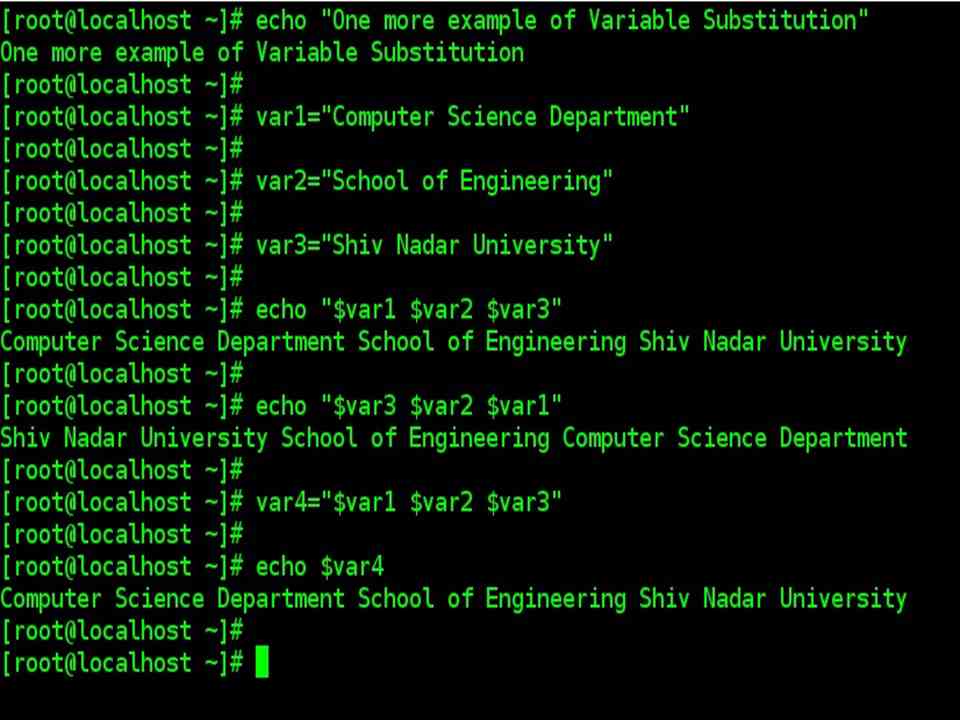
| Variable name | Definition |
| HOSTNAME | The name of the host machine |
| PWD | Present working directory |
| HOME | The name of the user’s home directory, when the user first logs in. |
| The name of the user’s system mail box file. | |
| PATH | A colon-separated list of directories in which the shell looks for commands. |
| PS1 | The shell prompt that appears on the command line |
| PS2 | The secondary prompt string. |
| SHELL | The default shell for user |
| USER | User account name (used to login) |
| TERM | The type of console terminal user is using |